"Nowadays, people expect quick responses and rapid assistance. AI Agent is perfect to meet these expectations."


Clean Size Charts puts your store's size charts right inside Gorgias, so support agents can answer fit and sizing questions without leaving the helpdesk.
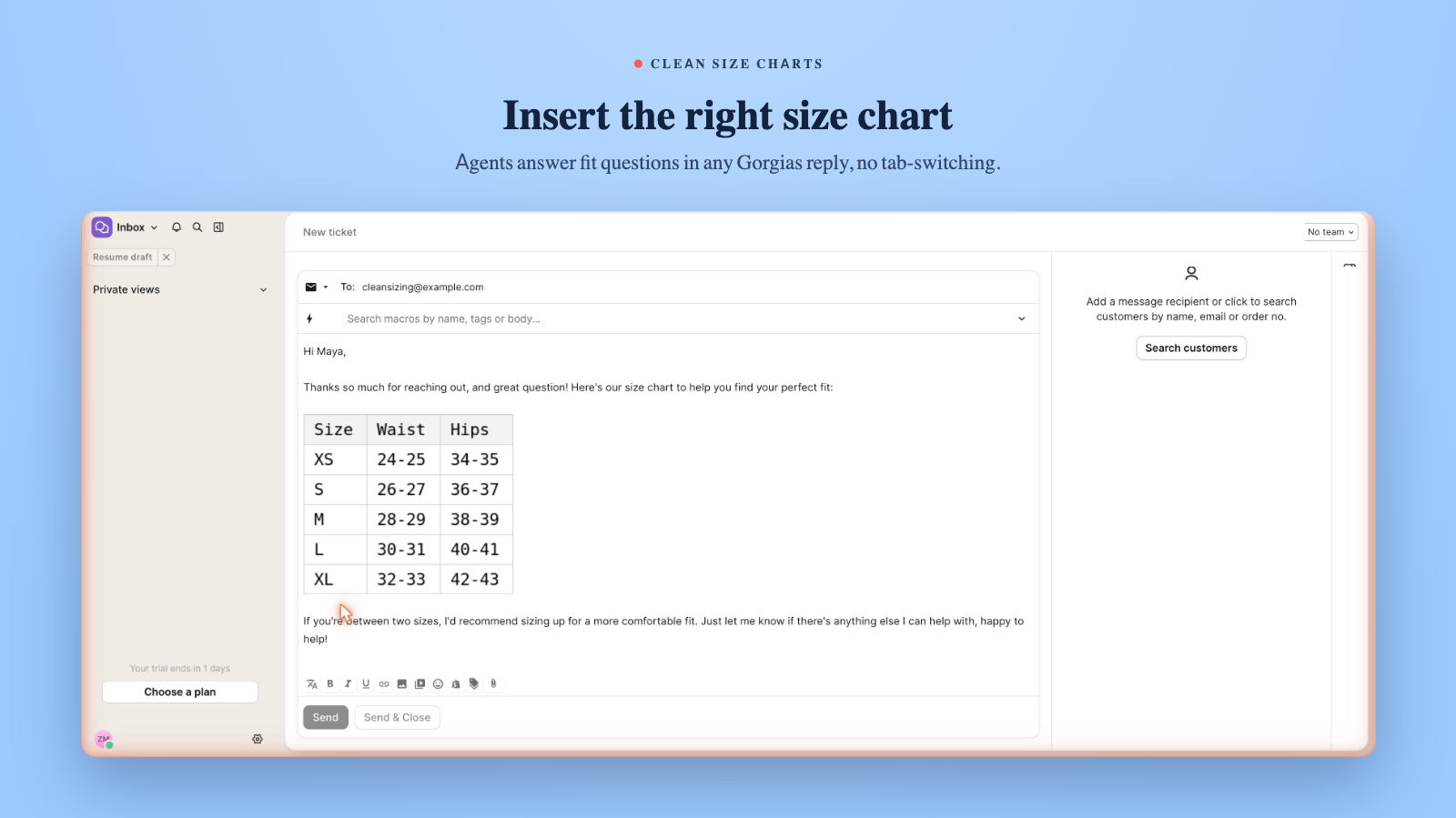
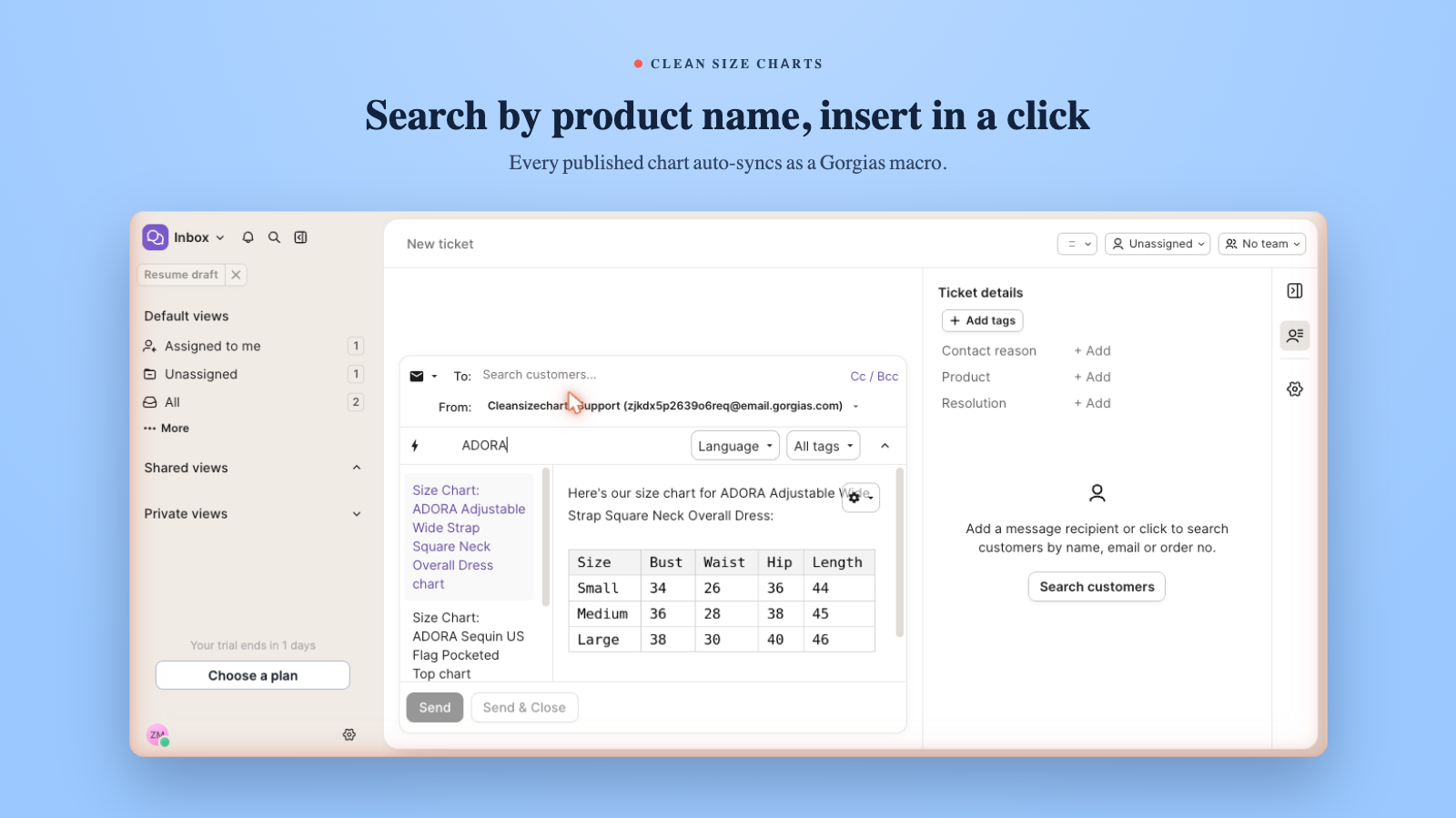
Once you connect Clean Size Charts to Gorgias, the app automatically turns every published size chart in your store into a Gorgias macro. Agents open the macro composer, search by product or chart name, and insert the right size chart into any reply with a single click.
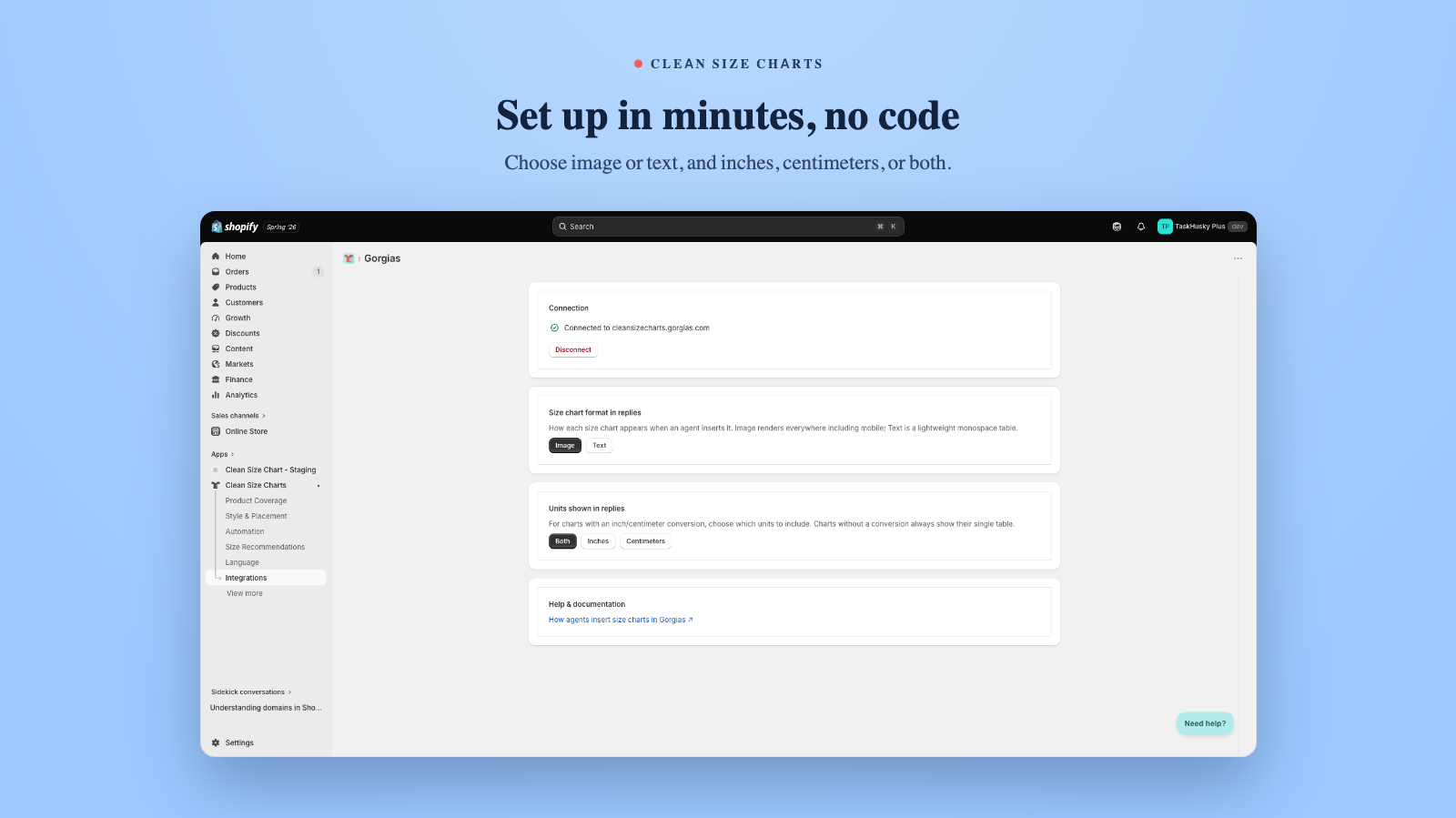
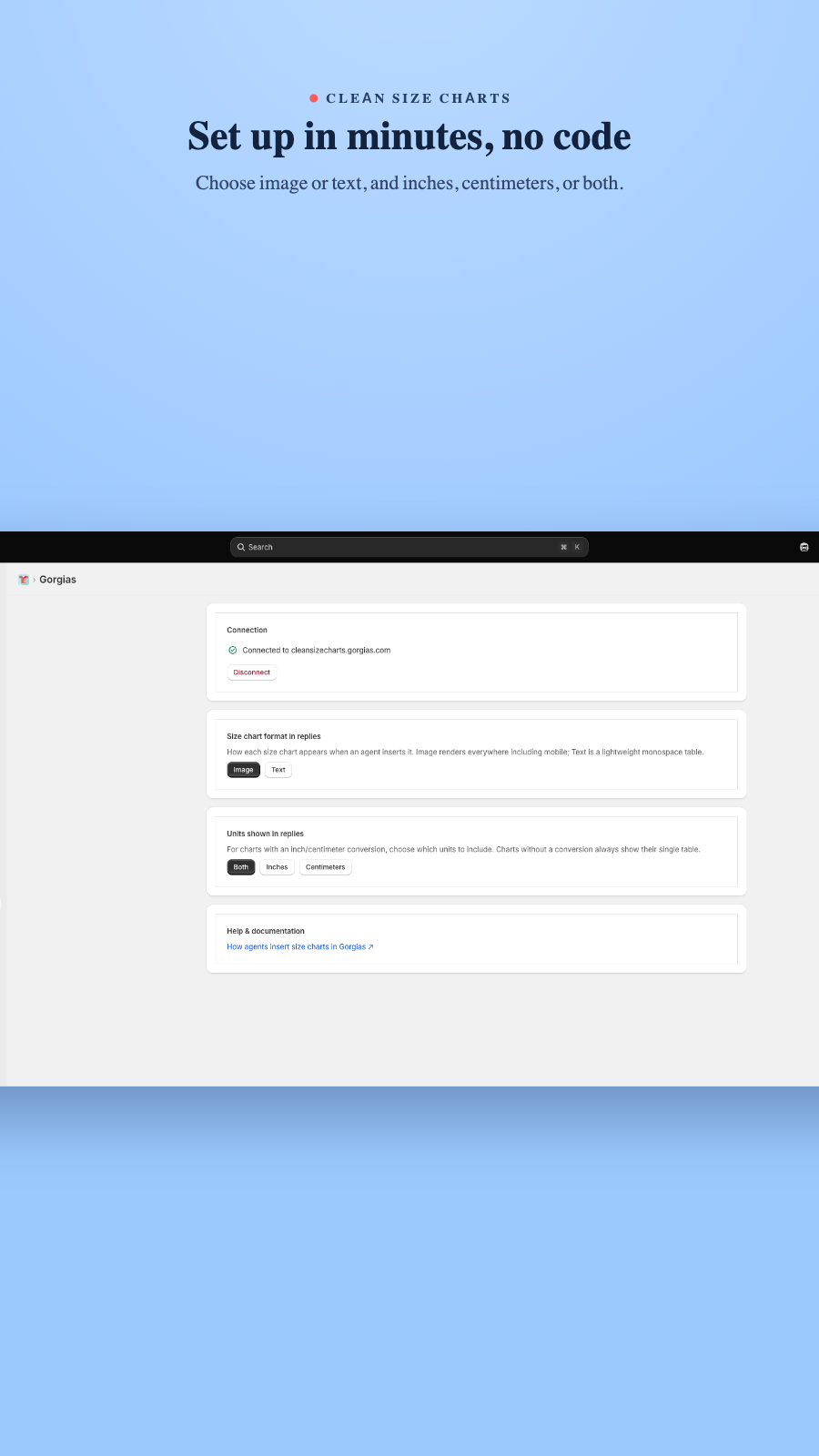
The macros stay in sync with your store. Edit a chart in Clean Size Charts and the matching Gorgias macro updates on its own, so agents always send current measurements. You choose how charts appear in replies: as a clean image or as a text table, with sizes shown in inches, centimeters, or both.
Selling internationally? Translated size charts sync as their own macros with localized measurements, so agents can reply in the customer's language with the correct sizing. Setup takes minutes: install Clean Size Charts, connect your Gorgias account, and your published charts show up as ready-to-use macros automatically.
Answer sizing questions in seconds. Agents search the Gorgias macro composer and drop the right size chart into any reply with one click, with no tab-switching.
Every published size chart syncs to Gorgias as a macro and updates automatically whenever you edit it, so agents never send outdated measurements.
Built for global stores. Translated charts sync as separate localized macros, and you can insert charts as an image or text table in inches, centimeters, or both.
.avif)